Know where the money goes, and what a saving actually delivered.
Fiatto builds a spend cube from your invoices: by category, supplier, cost centre and month. Signals point to spikes and fragmented buying, and a saving only counts as realised once the invoices show it.
Included from Pro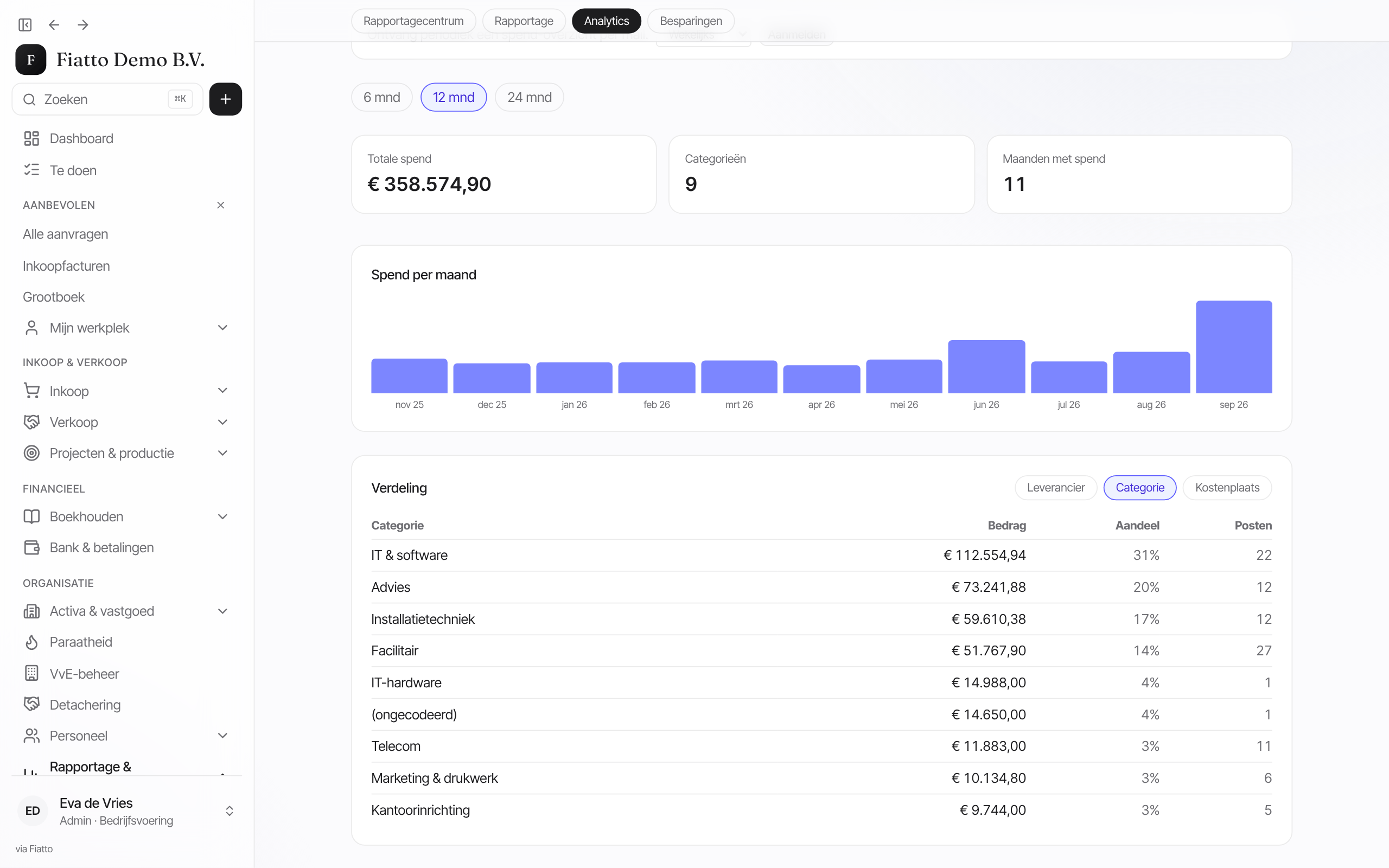
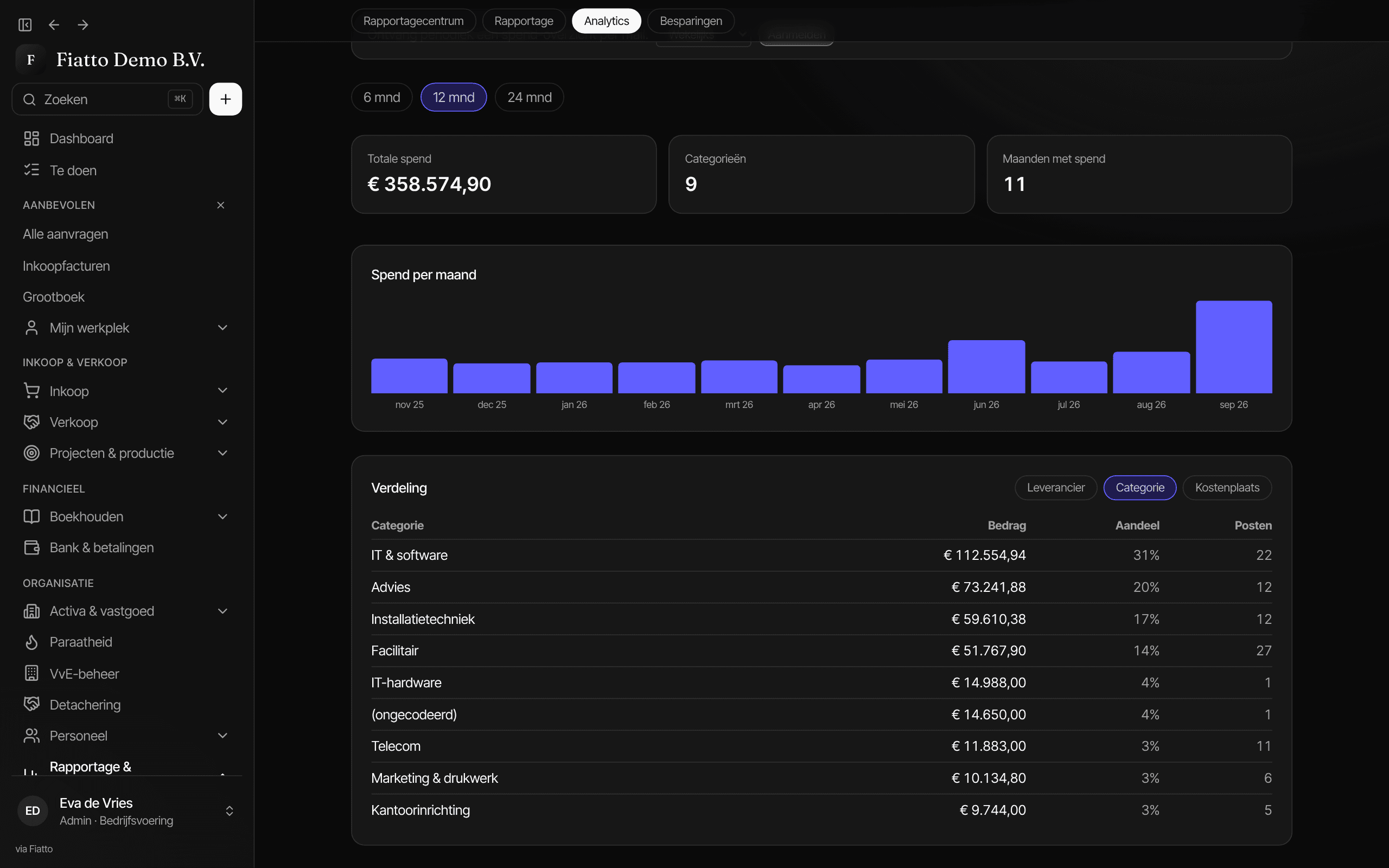
Screenshot from Fiatto, demo company with fictional data.
The problem
Spend analysis is often an export that is already out of date.
An export once a year
A spend analysis starts with an export from the accounting system and a week of spreadsheet work, and it is out of date the moment it is done.
Too much left uncoded
Invoices without a category end up under Other, and that is exactly where the off-contract buying sits.
Savings nobody re-measures
A negotiated discount lives in a slide deck. Whether the invoices actually came down afterwards, nobody checks.
Three steps from spend to saving
See, flag and re-measure on the same invoices.
Example · fictitious data
1 · See
One spend cube, pivotable on every axis
The cube counts invoices in your ledger currency, with credit notes as a reduction. Pivot it by category, supplier, cost centre and period. The category cockpit puts each category's trend next to its share under contract. Uncoded spend gets an AI suggestion along your category tree, and you review it in a queue.
2 · Flag
Spikes and fragmentation stand out on their own
One detector flags a supplier that lands well above its own average in a closed month. A second one sees the long tail: many small suppliers without a contract and with recurring invoices, together large enough to consolidate.
3 · Re-measure
A saving only counts once verified
You track savings initiatives in a pipeline, from identified to realised. Fiatto checks the claimed saving against actual spend with that supplier before and after, counting closed months only. Your favourite view can arrive by email weekly or monthly.
Setup
The cube fills itself with your invoices.
Let the invoices come in
The spend cube works on the invoices in Fiatto, so it grows with the purchasing flow. No separate export is needed.
Classify the remainder
Let the AI sort uncoded suppliers and lines along your category tree, then approve or adjust its suggestions.
Record your savings
Put ongoing negotiations in the pipeline and choose who receives the spend report by email.
Questions about spend insight
Where do the numbers come from?
From the invoices in Fiatto, converted to your ledger currency at the rate on the invoice date. A credit note lowers spend. An invoice without a rate is left out and flagged as incomplete, so foreign currency is never added up as euros.
Does the AI decide the classification on its own?
No. The AI suggests a category by walking your category tree level by level, and the path is shown with it. You approve the suggestion in the review queue. The amounts do not change, only the category they fall under.
When does a saving check out?
Fiatto compares the monthly average with the supplier before and after the initiative and converts that to an annual amount. If the measured saving is between 80 and 125 percent of the claim, it matches. Outside that range you see a shortfall or an upside, and without a closed month it says too early.
See what your own spend shows?
30 minutes, on your own categories and suppliers.
Next: purchasing, where spend begins →All modules